When to replace a Zapier workflow with custom code
No-code automation is often the right start. This guide helps you spot the point where a workflow needs more control than a visual builder can provide.
Ammar Mahmood, Founder, Zeliks
Updated 6 min read
Replacing Zapier with custom code is a decision you make for one workflow at a time. Many jobs should stay in a tool that is easy for a team to see, adjust and maintain without a developer.
The question changes when an automation becomes part of how you take orders, assign work or keep an important record correct. This guide explains the practical signs, the risks to check and how to change one path without disrupting the rest of the business.
Keep simple automations simple
A no-code tool is a good fit when the process is clear, the connected tools already have the right integrations and a missed run is easy for a person to spot and fix. An enquiry copied into a team inbox is a good example. It does not need its own application, user roles or a complex record of every decision.
Zeliks uses this approach on its own website. The contact and feedback forms save each submission, then can pass it to n8n (a no-code automation tool) through a webhook, a web address one tool calls to hand data to another. That is a small, contained job. The form remains the source of the enquiry, and the notification is an extra signal for the team.
Visual tools also make early learning cheaper. A manager can see the trigger and each following action, then discover which details are actually needed. If the business process is still changing every week, that flexibility can be more useful than a large build based on guesses.
The warning signs are about the work, not the tool
A workflow needs closer attention when it creates the record people rely on to run the business. That might be an order, stock decision, quote, booking, job assignment or payment state. If a staff member must keep checking two systems to see whether the same order exists in both, the automation is no longer a small convenience.
Another sign is a growing set of exceptions. A few branches in a visual workflow are normal. Trouble starts when staff keep a separate spreadsheet of special cases, or when the person who built the automation is the only one who knows what a failed run means. Those workarounds are evidence that the real process has rules the current setup does not express clearly.
- Staff need a reliable answer to whether a record was created, changed or sent.
- One action must follow rules that are specific to the business.
- A failure can leave two systems disagreeing about the same customer or order.
- People need a clear screen for checking and correcting work, not only a log of runs.
What happens when one step fails matters
Every connected service has interruptions. An address may be missing, a supplier's system may reject a request or a connection may time out after it has already accepted the data. The hard part is knowing whether the earlier steps happened, whether a retry is safe and who is responsible for checking the result.
Zapier calls an execution a Zap run. Zapier's guide to replaying Zap runs explains how a team can replay a run that stopped with an error. It is worth asking a more specific question before relying on replay: if the first two steps worked and the third failed, could replay duplicate an order, email or payment request?
Custom code is useful when the recovery itself needs business rules. It can keep a record of the request, mark the exact point it reached, stop duplicate writes and give staff one place to decide what happens next. The team still owns the outcome, but unfinished work now shows up on a screen instead of sitting in a run history.
Use custom code when the order is the business
Some workflows are closer to the product than to office administration. In those cases, the details a customer chooses, the rules used to price or route the request, and the information staff receive are the service. A general automation can pass data between tools, but it may not be the right place to hold the business's actual order logic.
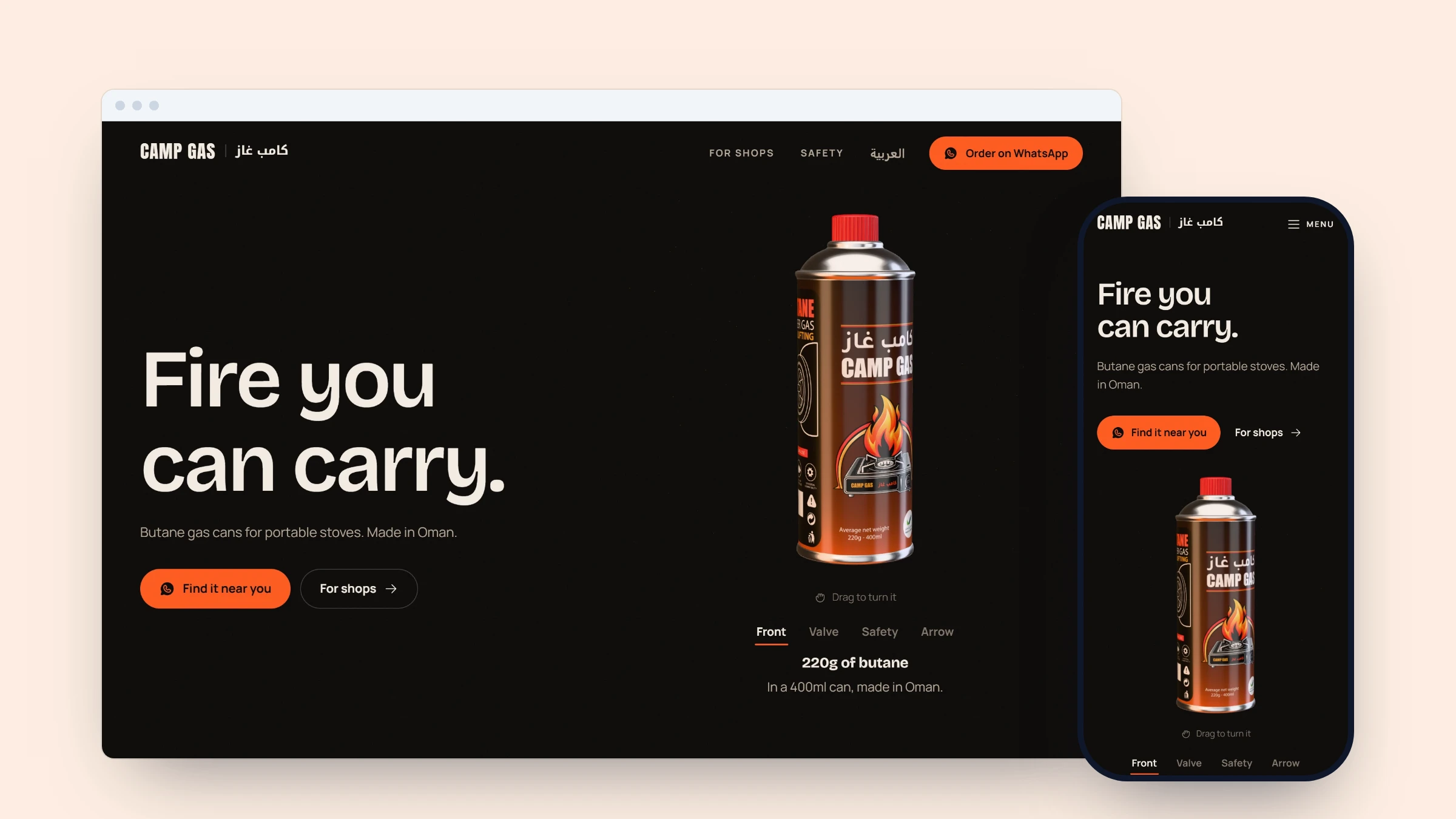
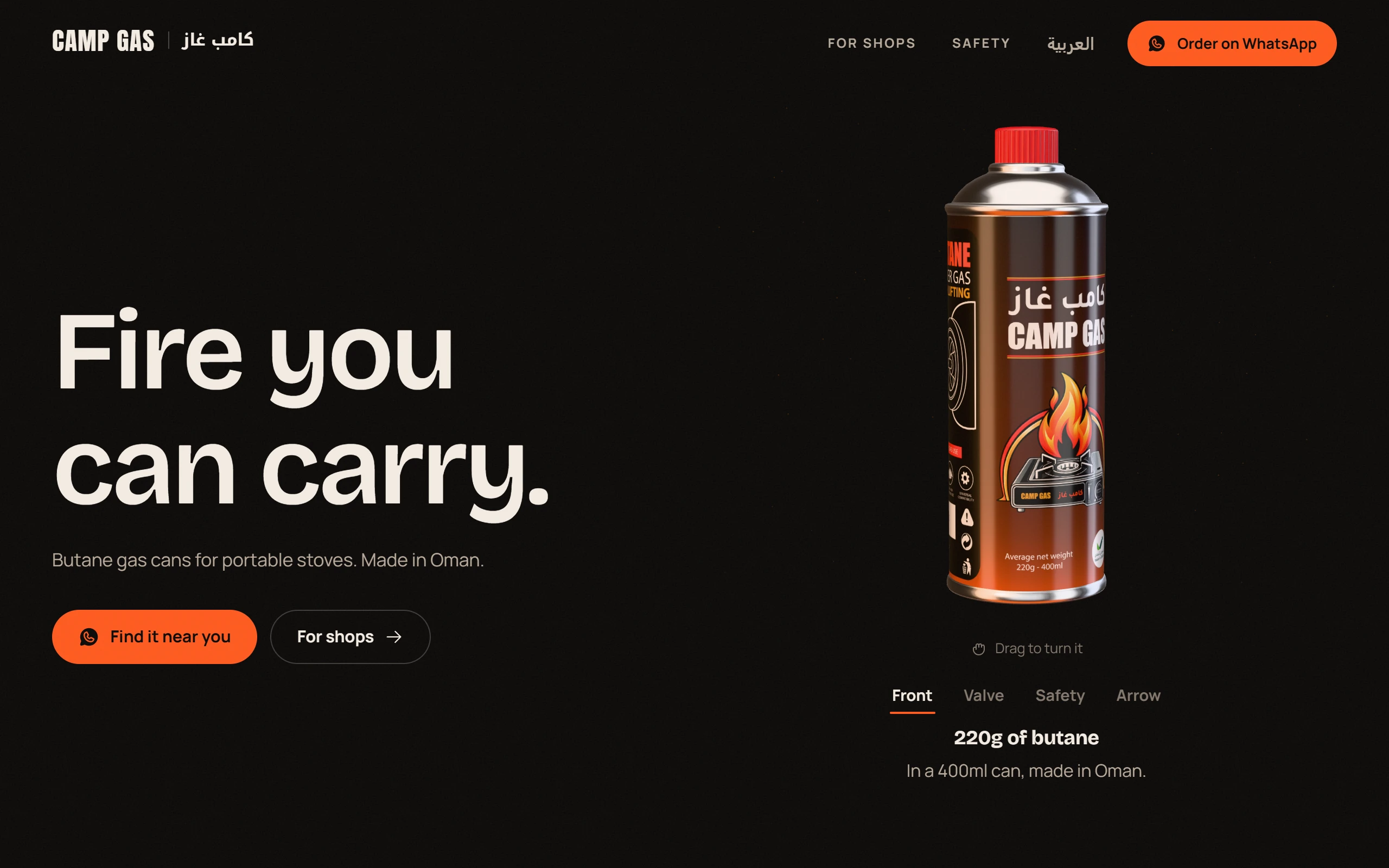
The Camp Gas project is one example. Its order builder lets shops select cartons and cans, then prepares the order for WhatsApp. The choices are the order, so the experience was built as code rather than a chain of generic steps.
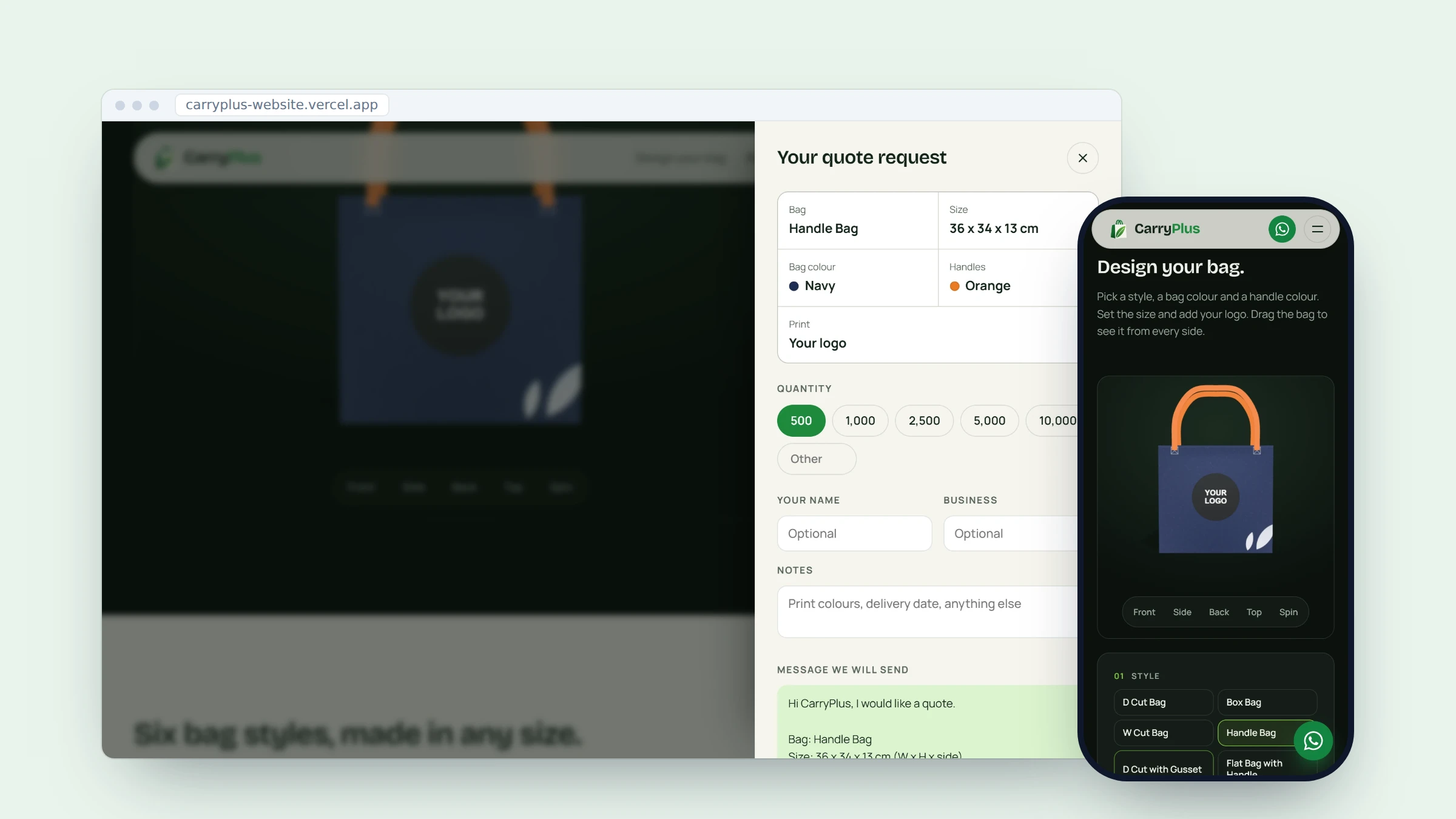
The CarryPlus project follows the same idea. A customer chooses a bag style, size, colours and logo, sees the design update and sends that exact design as a quote request.
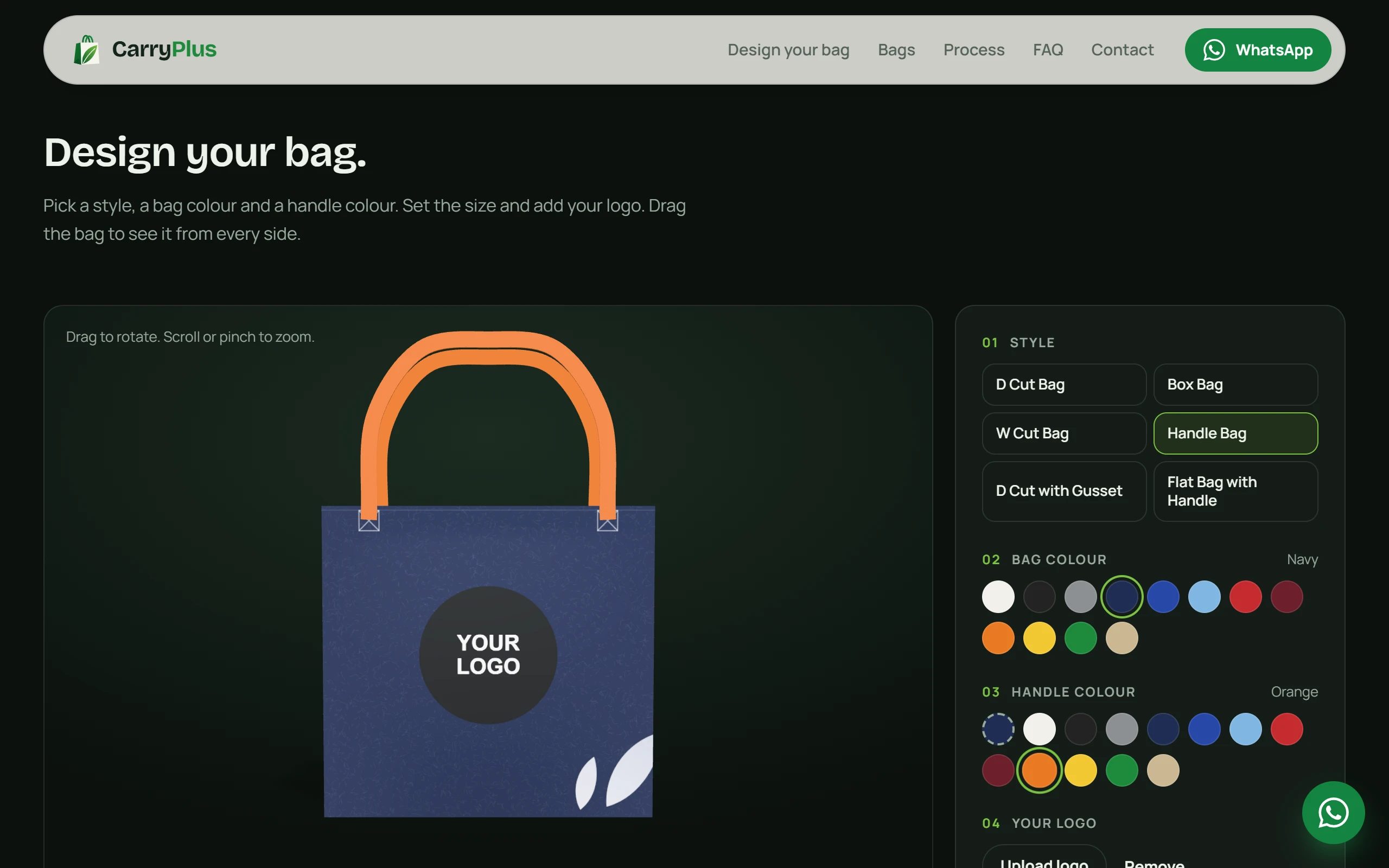
Neither example means every form needs a custom build. The difference is that the order contains choices the business must understand and act on. The screen is how the customer describes the work they need.
Move one path at a time
A sensible replacement starts with the one path causing the most confusion or manual checking. Write down the trigger, the systems it touches, the record each system creates and what the team does when it fails. That gives the new work a boundary and makes it possible to check whether it behaves as intended.
Then keep the old path running until the new one has handled real test cases. Compare the records, including awkward cases such as a missing field, a repeated request and a service that replies late. Agree who will look at differences before the switch. The move is finished when the business can trust the record the new path produces, which can be well after the new screen looks done.
You may find that only one part needs custom code. The rest can remain in Zapier, n8n or another tool. That mixed setup is often easier to run than forcing every job into one platform.
Choose the smallest useful change
Replacing Zapier with custom code should solve a named business problem, such as duplicate orders, unclear handovers or a process that staff cannot recover safely. It should not be a technology project with no owner on the business side. Ask which manual check will stop, who will own the new process and how they will know it has completed.
If the answer is still a simple notification, keep the automation simple. If the answer is the order, booking or decision your business depends on, a focused build can give staff the control they need. To talk through one workflow, get in touch.
Common questions
- When should I replace Zapier with custom code?
- Consider it when the workflow creates a business-critical record, needs rules specific to your company or cannot be recovered safely from a failed step.
- Is Zapier good for a small business?
- Yes, especially for clear, low-risk jobs such as notifications and simple handovers between tools. It is often a sensible way to prove a process before building more.
- Can custom code work alongside Zapier?
- Yes. A business can keep simple notifications in a no-code tool while moving a core order, booking or operations process into a dedicated system.
- What should I check before replacing a Zap?
- Map the trigger, every system touched, the records created, the failure cases and the person who will own recovery before changing anything.
The work behind this post
Written by Ammar Mahmood, Founder of Zeliks. We build websites, apps, AI assistants and automation, and the client owns the code. About Zeliks