WhatsApp replies are no longer free: the Oct 2026 price change
From October 1, 2026, WhatsApp bills you for the service replies that were free until September 30. Here is the new rate card, what it does to a real bill, and three moves that keep it down.
Ammar Mahmood, Founder, Zeliks
4 min read
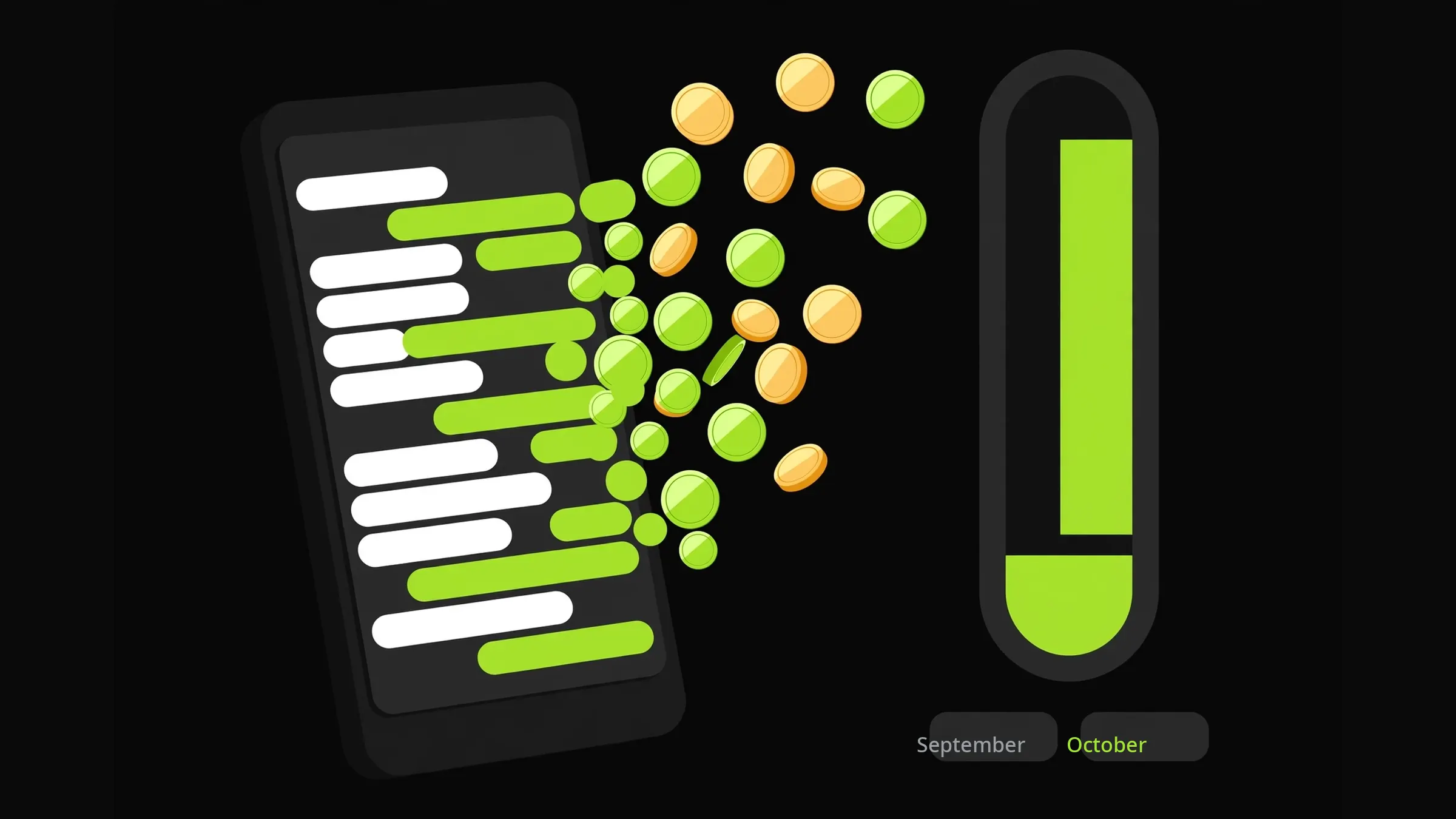
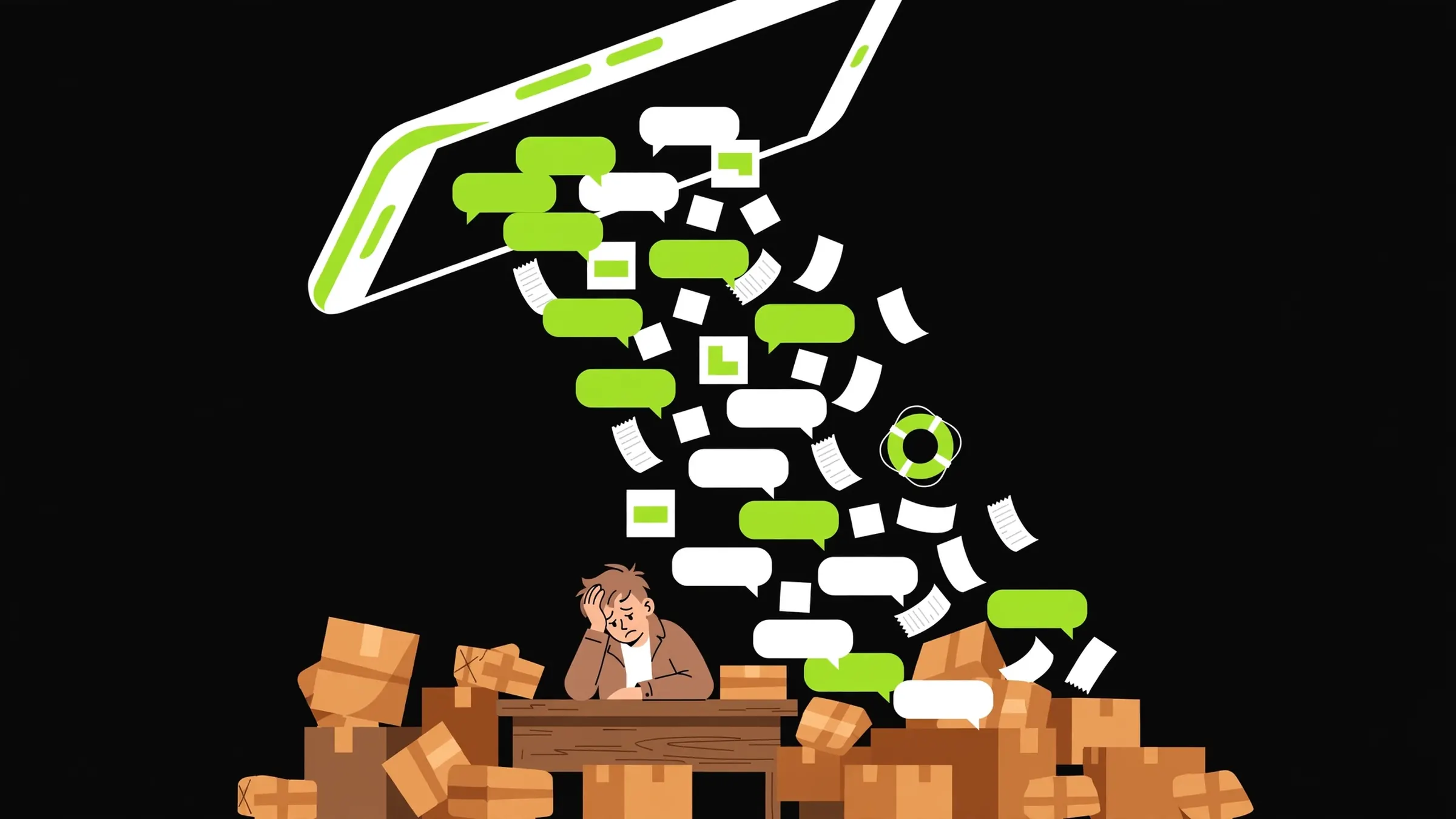
If you run orders, support, or marketing on the WhatsApp Business Platform, your October bill looks different from your September one. From October 1, 2026, the replies you send inside the 24-hour customer window, called service messages, are no longer free. Meta is charging for them now.
This is the change owners are searching for right now, and the reporting this week (informaxprime.com, paktechstan.com, topkhoj.com, and others) all points the same way. Here is the plain version: what changed, what it costs, and the three moves that keep your bill under control.
What changed on October 1
Until September 30, 2026, a business could reply to a customer inside the 24-hour window for free. That was the service conversation: the customer messages you, you answer, back and forth, no charge. From October 1, every one of those replies is billed.
The rate card, reported across Indian outlets this week: each number gets 1,000 free service messages a month. After that, roughly Rs 0.115 per delivered message before GST, which is Rs 0.136 with GST. Marketing messages, the template blasts you send to start conversations, stay at Rs 0.8631 each.
That last line matters more than it looks. A marketing template costs about 7.5 times what a service message costs. Getting the category wrong on a template is the fastest way to burn money on this platform. A utility template and a marketing template are not the same thing, and Meta bills them very differently.
What it does to a real bill
A dev.to walkthrough from this week runs the numbers for a small D2C store: their monthly bill rises from Rs 4,545 to Rs 5,120. That is a real store, and the jump comes entirely from the service messages that used to be free. The full rate card is laid out in Brainguru's pricing guide.
Rs 575 a month does not sound dramatic. But it is about a 13% rise for doing exactly what you did last month, and it scales with chattiness. A bot that sends six messages to complete an order now pays for six messages. A year ago that was free. Multiply by a few hundred orders and the line item stops being background noise.
Three moves that keep the bill down
First, let the customer start the conversation. A customer who taps a click-to-chat button on your site, scans a QR code at your counter, or opens a chat from an ad is opening a conversation you do not have to pay to start. Every conversation the customer starts is one your marketing budget did not buy.
Second, get the template category right. Utility templates (order updates, appointment confirmations, payment receipts) bill at the service rate. Marketing templates (offers, new launches, anything that reads like a promotion) bill at Rs 0.8631. If your order update reads like an ad, Meta will price it like one. Write utility messages like utility messages.
Third, watch the 1,000-message line and trim the chatter. Count how many messages your bot sends per completed order. If it sends a greeting, a prompt, an acknowledgement, a confirmation, and a goodbye where two messages would do, you are now paying for the other three. Shorter flows are cheaper flows.
A well-built bot sends fewer, better messages
This is where build quality becomes a billing strategy. A bot that asks three questions at once sends one message. A bot that asks them one by one sends three. A bot that repeats the whole order back sends a message a confirmation button could have replaced. None of this mattered when replies were free. Now it is arithmetic.
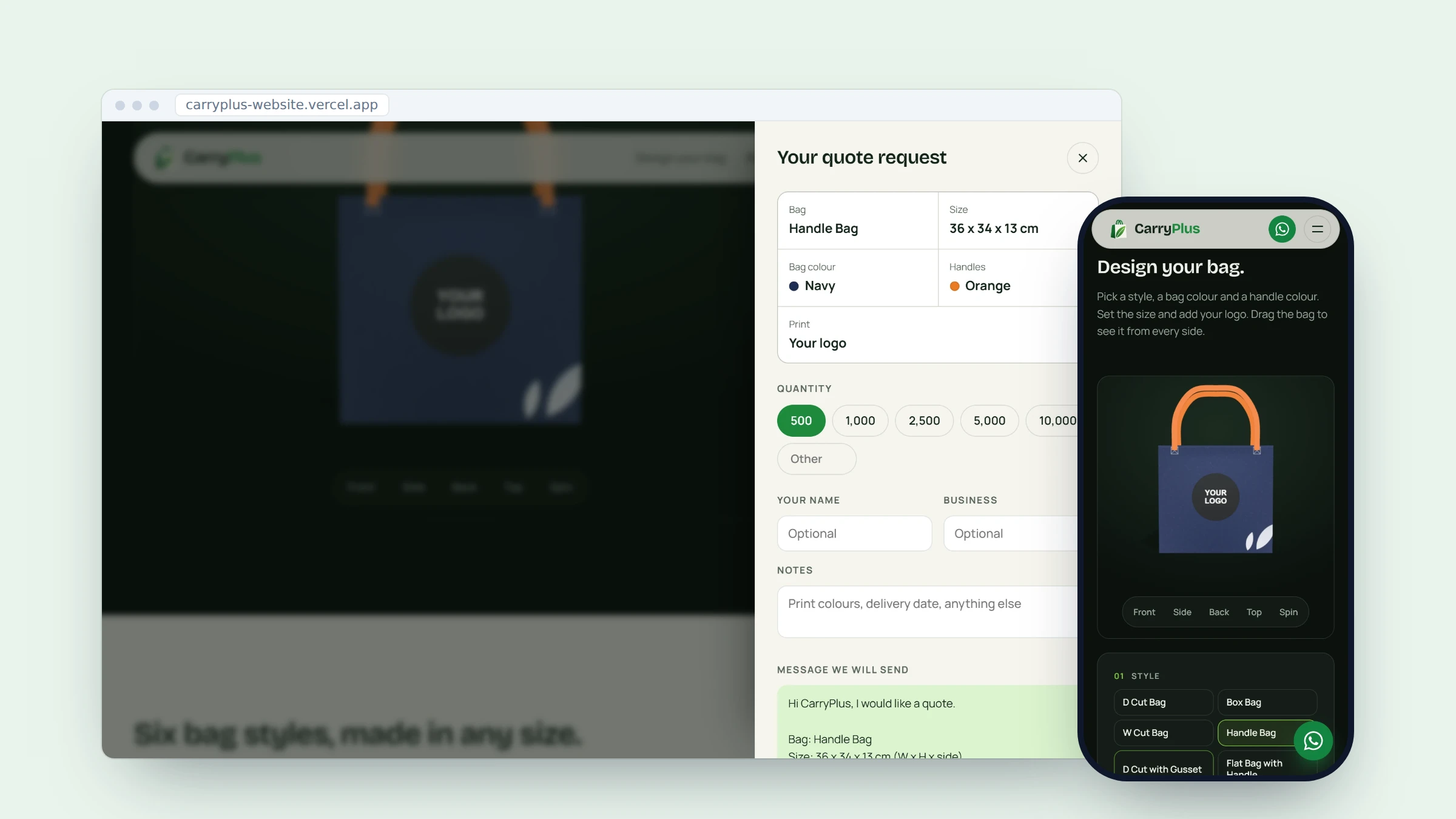
On the Camp Gas order builder, the website does the counting before the chat opens: carton count, can total, name, area. The chat starts with the substance already done. That pattern, collect on the site, confirm in the chat, is exactly the shape that keeps message counts low.
Do the audit this week. Pull your September message counts, price them at Rs 0.115 per message (Rs 0.136 with GST), and see what October would have cost. Then cut the messages that do no work.
Read your first October bill carefully
When the October invoice lands, do not just pay it. Check how many service messages each number sent, and check the template categories. If a utility template got billed as marketing, that is a 7.5x overcharge on every send, and it is worth fixing the template wording and resubmitting it.
Also check for messages that did no work: delivery confirmations nobody reads, duplicate follow-ups, bot loops where two automated replies talked to each other. The new pricing punishes every message equally, so the bill is also an audit. Read it like one.
Talk to Zeliks
Common questions
- What is a WhatsApp service message?
- A message a business sends inside the 24-hour window after a customer messages first. Free until September 30, 2026; billed from October 1, 2026.
- How many free service messages do I get?
- 1,000 per phone number per month. After that, about Rs 0.115 per delivered message before GST, Rs 0.136 with GST.
- What is the difference between a utility and a marketing template?
- Utility templates carry information the customer asked for: order updates, confirmations, receipts. Marketing templates carry offers and promotions. Marketing costs about 7.5 times more per message.
- Does GST apply to WhatsApp message charges?
- Yes. The reported rate is Rs 0.115 per service message before GST, Rs 0.136 with GST.
The work behind this post
Written by Ammar Mahmood, Founder of Zeliks. We build websites, apps, AI assistants and automation. About Zeliks