Custom software or SaaS: how a small business can decide
A practical way to choose software for one business task, without treating custom work or SaaS as the answer to every problem.
Ammar Mahmood, Founder, Zeliks
Updated 6 min read
The choice between custom software and SaaS is often framed as control against speed, which is too broad to help a small business decide. Most businesses need both, in different places. The right question is which tool fits one named piece of work.
A payroll system, an email provider and an accounting package solve common problems. A customer quote that depends on your product rules may not. This guide gives you a way to compare the two without inventing a return figure or rebuilding things that already work well.
Start with the business task, not the software category
Begin with a task that staff can describe in plain language. For example, a team may receive customer requests in one place, check them in another and copy the same details into a third system. Or a customer may need to choose a product, size and options before anyone can give a useful quote. The detail of that task matters more than the label on the software.
Write down who starts the work, what information they need, which decisions happen and who knows it is complete. Then note where people leave the main system to use a spreadsheet, a chat or memory. Those detours show whether the issue is a missing feature, a training problem or a process that does not fit the tool you bought.
SaaS is usually right for ordinary work
SaaS means software you subscribe to and use online. It is usually the sensible choice for work shared by many businesses, such as payroll, accounting, email, file storage and video calls. These areas change with tax rules, security requirements and provider updates. Buying a mature tool gives you a product that already carries much of that maintenance.
It is also a good choice when the process is still moving. A configurable product lets a team test how it wants to work before committing to a detailed system of its own. If staff can complete the task without copying records, creating special exceptions or waiting for a developer, the existing tool is doing its job.
Custom work still has its place. What to avoid is building a substitute for a well-understood product when buying and configuring that product would leave more time for the parts of the business customers notice.
Custom software can fit work that makes you different
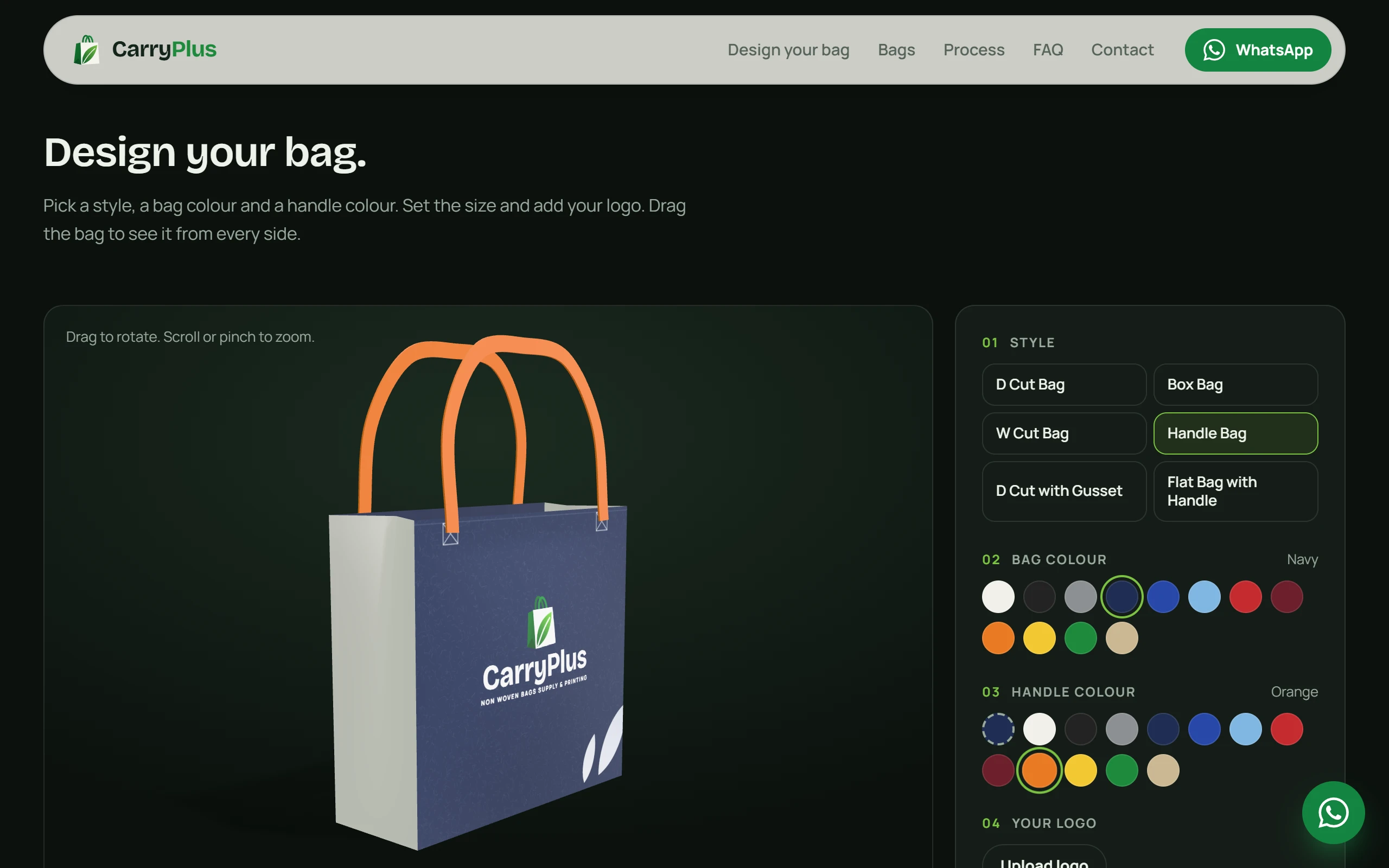
Custom software deserves consideration when the process is part of what a customer buys, or when it expresses rules that are particular to your company. A customer-facing order builder is one example. It may need to collect choices in the right order, prevent impossible combinations, show a useful preview and pass the exact request to the people who fulfil it.
The CarryPlus project is a practical example. A customer chooses a bag style, size, colours and logo, sees the bag update, then sends that design as a quote request.
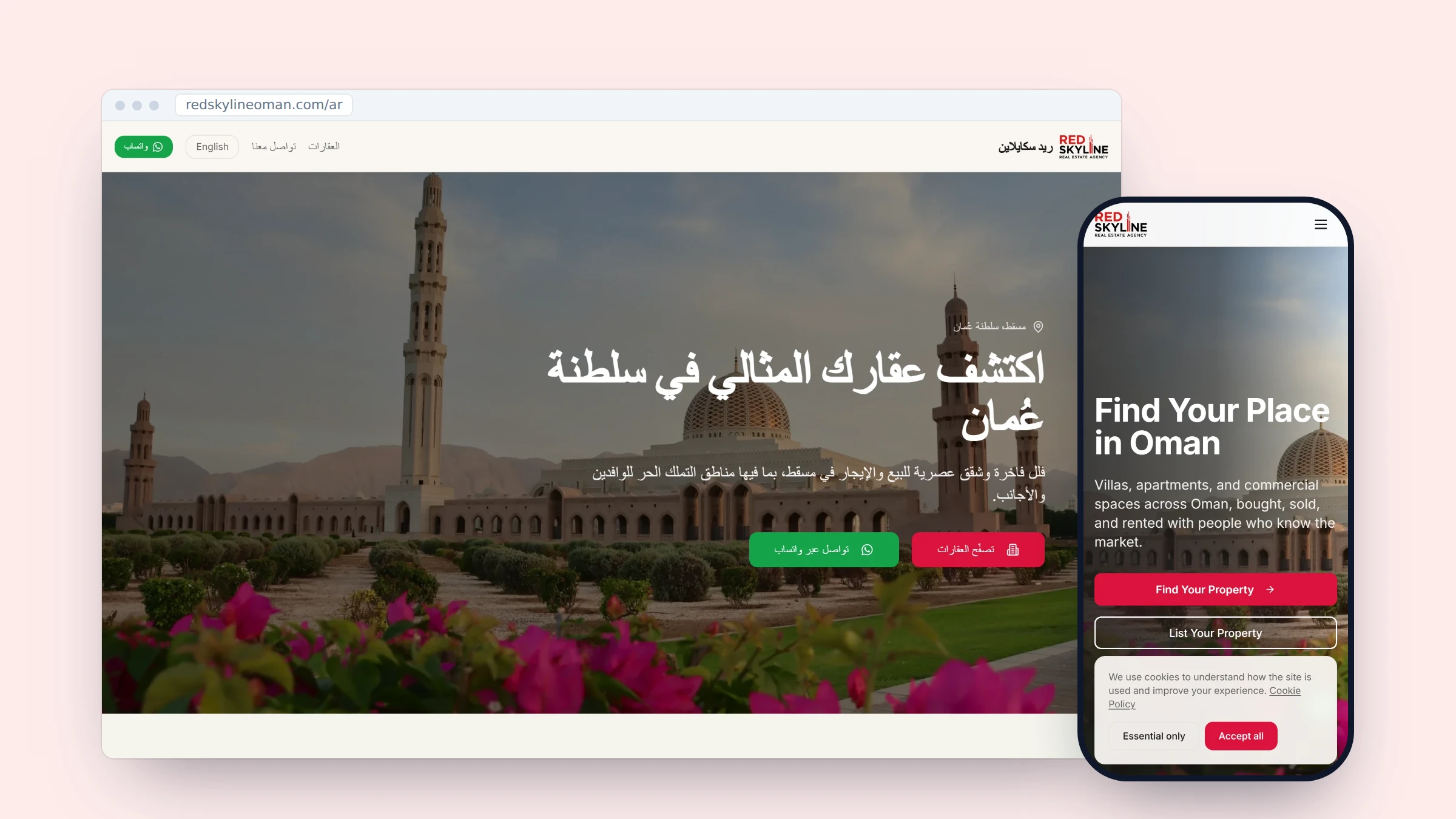
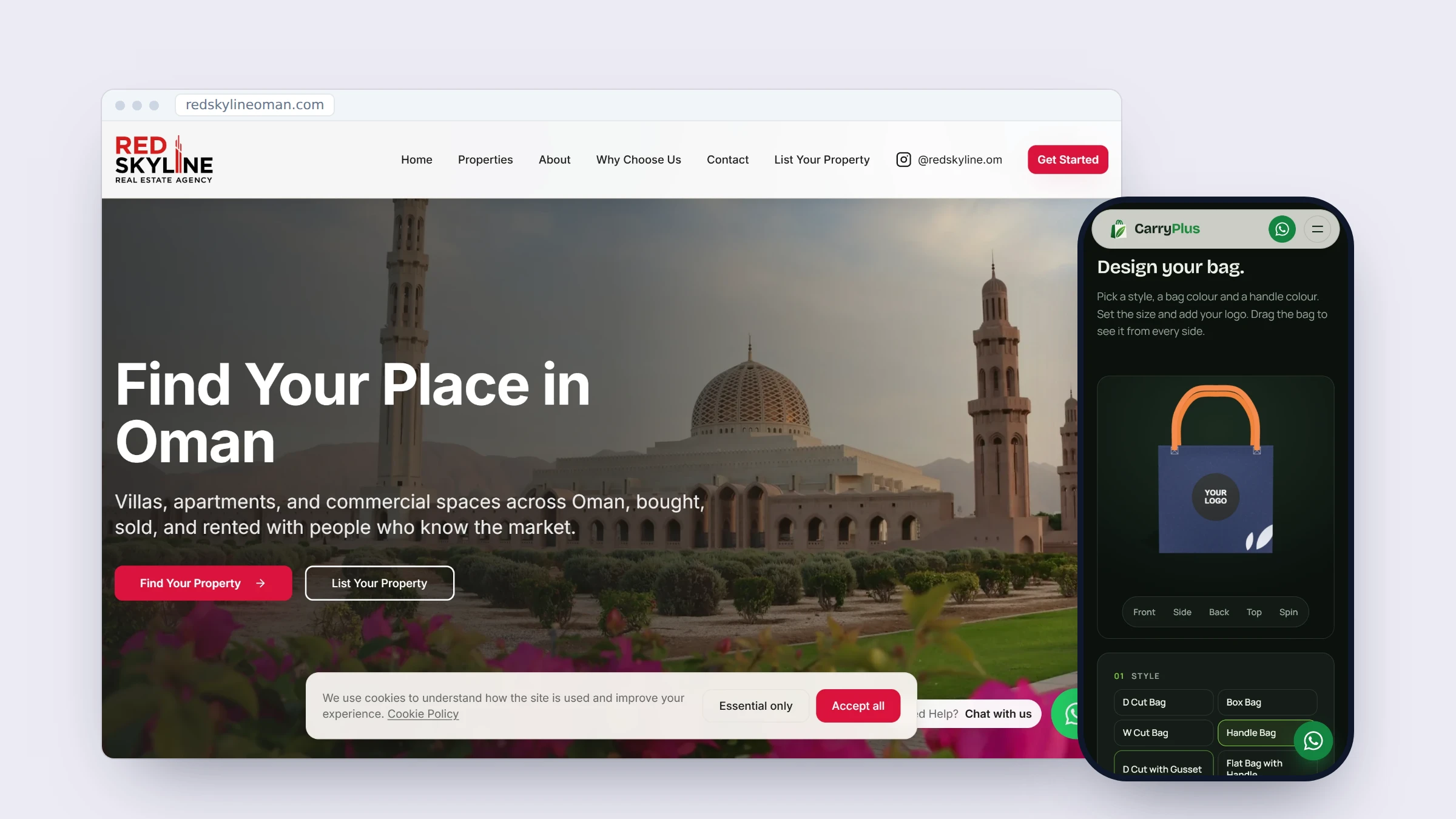
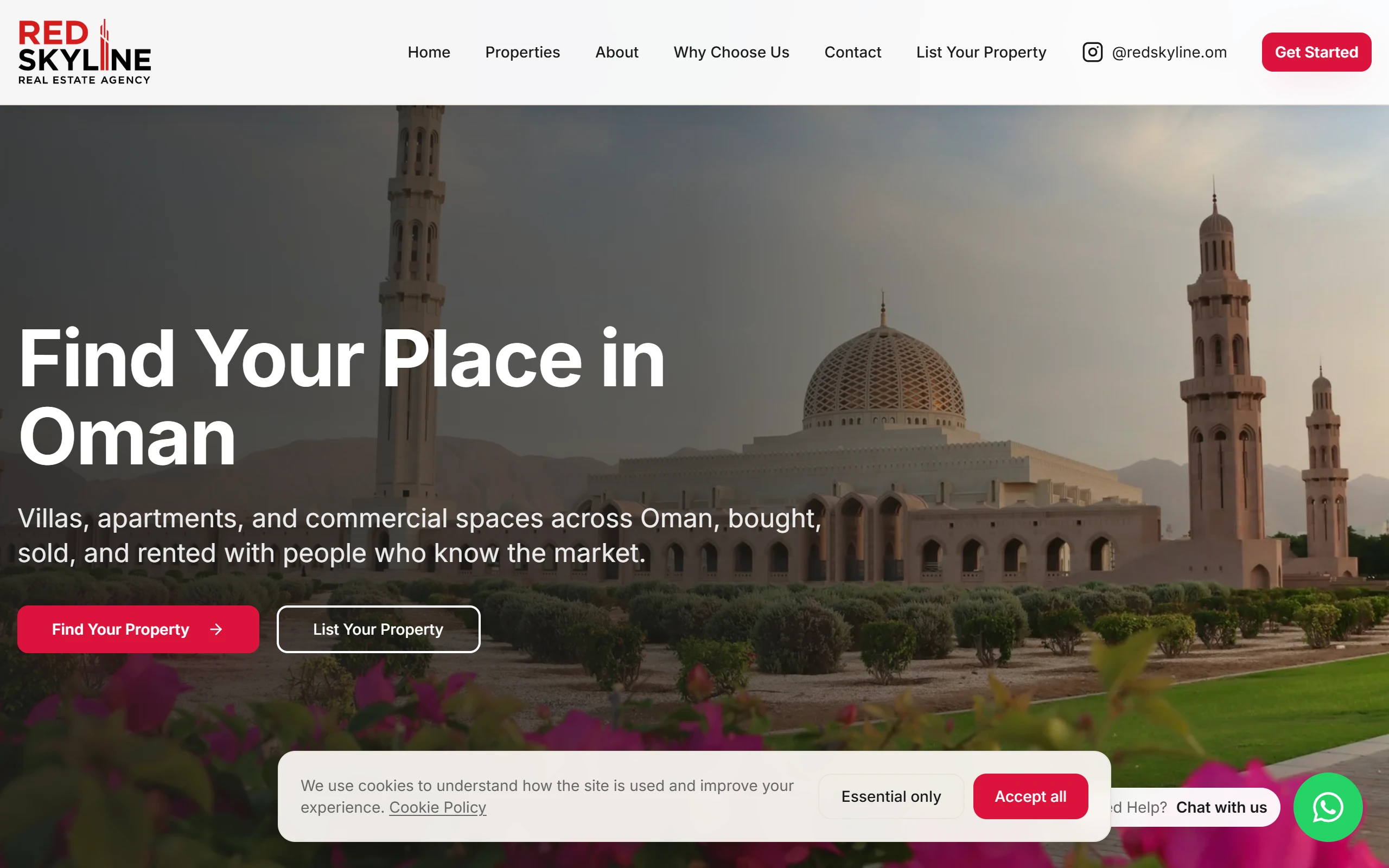
The RedSkyline project is another kind of case: staff add property listings, blog posts and English or Arabic pages from an admin panel rather than relying on a developer for each change.
A custom system should not copy every feature of a large subscription product. It should remove a named piece of repeat work, make the right decision easier and leave staff with a record they can understand. If the work cannot be explained without saying "we will work it out later", the scope is not ready.
Compare the practical trade-offs
The comparison below is for one business task, not your whole company. A sensible setup often uses SaaS for common operations and custom software for the few workflows that define how you serve customers.
| Question | SaaS is often a better fit | Custom software may fit |
|---|---|---|
| How common is the work? | Many businesses do it in a similar way. | It depends on rules, products or decisions specific to your company. |
| How settled is the process? | The team is still learning what it needs. | The manual steps are known well enough to write down and test. |
| What does the customer need to see? | A standard portal or form is enough. | The experience must reflect your exact choices, language or workflow. |
| Who maintains the system? | The vendor handles most product changes. | A named business owner and delivery team can maintain the agreed scope. |
| Where does the data need to go? | The required tools already connect in a reliable way. | Several systems need your own rules for how records are created or changed. |
Do not fill this table with guesses. Gather the current invoices, examples of repeated work and the actual records staff must reconcile. You may then decide that the issue is small enough to solve with a better configuration, a short automation or a staff process change. That is still a useful outcome.
Ownership includes a responsibility to keep it useful
Owning custom software can give a business control over its code, data and hosting accounts. It also means someone must decide on changes, keep access secure and deal with defects. Ownership is valuable when it is stated clearly, not when it is used as a vague promise.
For Zeliks projects, the client owns the source code, database and hosting accounts. They are registered in the client's name and the client can log into each one. Work is priced per milestone, with the price agreed before that milestone starts. A 30-day warranty covers defects in what shipped. You can read the full approach on how Zeliks works.
Future changes still need their own agreed scope and price. The agreed starting point remains visible: who owns the accounts, what was agreed, what was delivered and who can decide the next change.
Choose a small first scope
The best first custom project is often smaller than people expect. It might be the quote builder that stops staff interpreting vague requests, the internal page that removes repeated copying or the patient booking path that keeps a diary accurate. Start with the point where the workaround has become normal daily work.
Zeliks plans focused automations for one to two weeks and full applications for three to six, splitting work into milestones when it will not fit that window. More important than the estimate, each milestone should name the manual task that will stop and the evidence that shows it has stopped.
If you have a business task that is forcing staff into daily workarounds, get in touch. We can help you decide whether you need a better SaaS setup, a small automation or a focused custom system.
Common questions
- Is SaaS or custom software better for a small business?
- Neither is better for every task. SaaS is usually sensible for ordinary work, while custom software may fit a stable process that is specific to how your business serves customers.
- When should a small business build custom software?
- Consider it when staff repeatedly work around a tool, records must follow your own rules or the customer experience depends on a process that a general product cannot represent well.
- Do I own custom software built for my business?
- It depends on the agreement. Zeliks registers the code, database and hosting accounts in the client's name, and the client can access each one.
- Can I use SaaS and custom software together?
- Yes. Many businesses buy proven tools for common work and add a focused custom system where their own customer, order or operations process needs it.
Written by Ammar Mahmood, Founder of Zeliks. We build websites, apps, AI assistants and automation, and the client owns the code. About Zeliks