Four things on your website that stop customers before they call
Four common flaws quietly cost local businesses customers. None needs a redesign, and each can be fixed in an afternoon.
Zeliks team · Updated · 2 min read
On this page
Most small business websites do not lose customers because of the design. They lose them over small things a customer hits in the first ten seconds on a phone.
Here are the four we see most often, and how to fix each one.
Your phone number is a picture
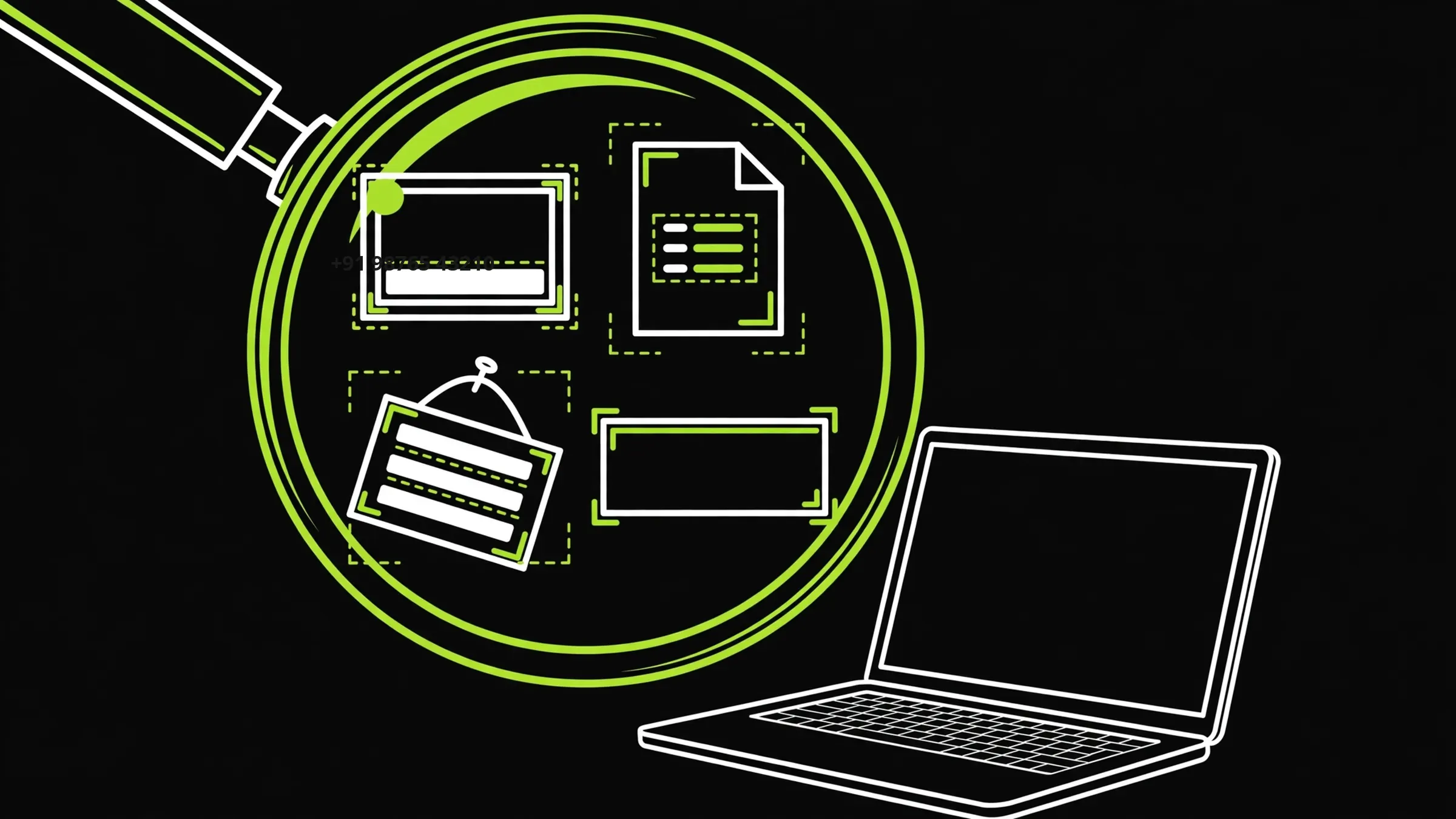
When the number is part of a banner image, a customer on a phone cannot tap it or copy it. They have to remember it and type it in. Many will not.
Put the number on the first screen as text, linked so a tap starts a call. Test it on your own phone: if you cannot start a call with one tap, neither can your customers.
Your menu or price list is a PDF
PDFs load slowly on mobile data and are awkward to zoom. A scanned PDF is an image, so Google cannot read the items in it, and your dishes or products will not appear in search.
Put items and prices on the page as text. It loads instantly, Google can read it, and customers can search the page. Keep the PDF as a download if you like.
Your hours live only on social media
Hours posted only on a social page go out of date, and many customers never open that page. Worse is a mismatch: the door says one thing and Google says another.
Show your hours on your own site as text, matching your door. When they change, update the door, the site and your Google profile on the same day.
Your main heading says nothing
Read the biggest line on your home page. If it says "Welcome" or "Quality since 2010", it is wasting the most valuable space on the site. It should say what you do, for whom, and what to do next.
The Camp Gas home page leads with "Fire you can carry." and the line under it says what the product is and where it is made. The next thing you see is how to order.
While you are there, swap blurry photos for clear ones taken in daylight, and remove any video that loads after the visitor has already scrolled past.
If you cannot fix it in an afternoon, rebuild
These four fixes are text edits and photo swaps. If your site cannot take simple edits, or every change needs the person who built it years ago, patching will not help.
A rebuild of a small business site should take one to three weeks. Make sure the new one lets you change hours, prices and photos yourself.
Common questions
Why should my phone number not be an image?
Customers on phones cannot tap or copy it. Text linked as a phone number starts a call in one tap.
Is a PDF menu bad for my website?
It loads slowly on phones, and Google cannot read a scanned PDF. Put the menu on the page as text and keep the PDF as an extra.
What should my main heading say?
What you do, for whom, and what the visitor should do next.