Getting paid inside WhatsApp: UPI QR codes and payment links
You can share a UPI QR code inside WhatsApp Business today, and Meta says in-chat UPI payments are coming. Here is the free setup, the messy parts, and the automation upgrade.
Ammar Mahmood, Founder, Zeliks
4 min read
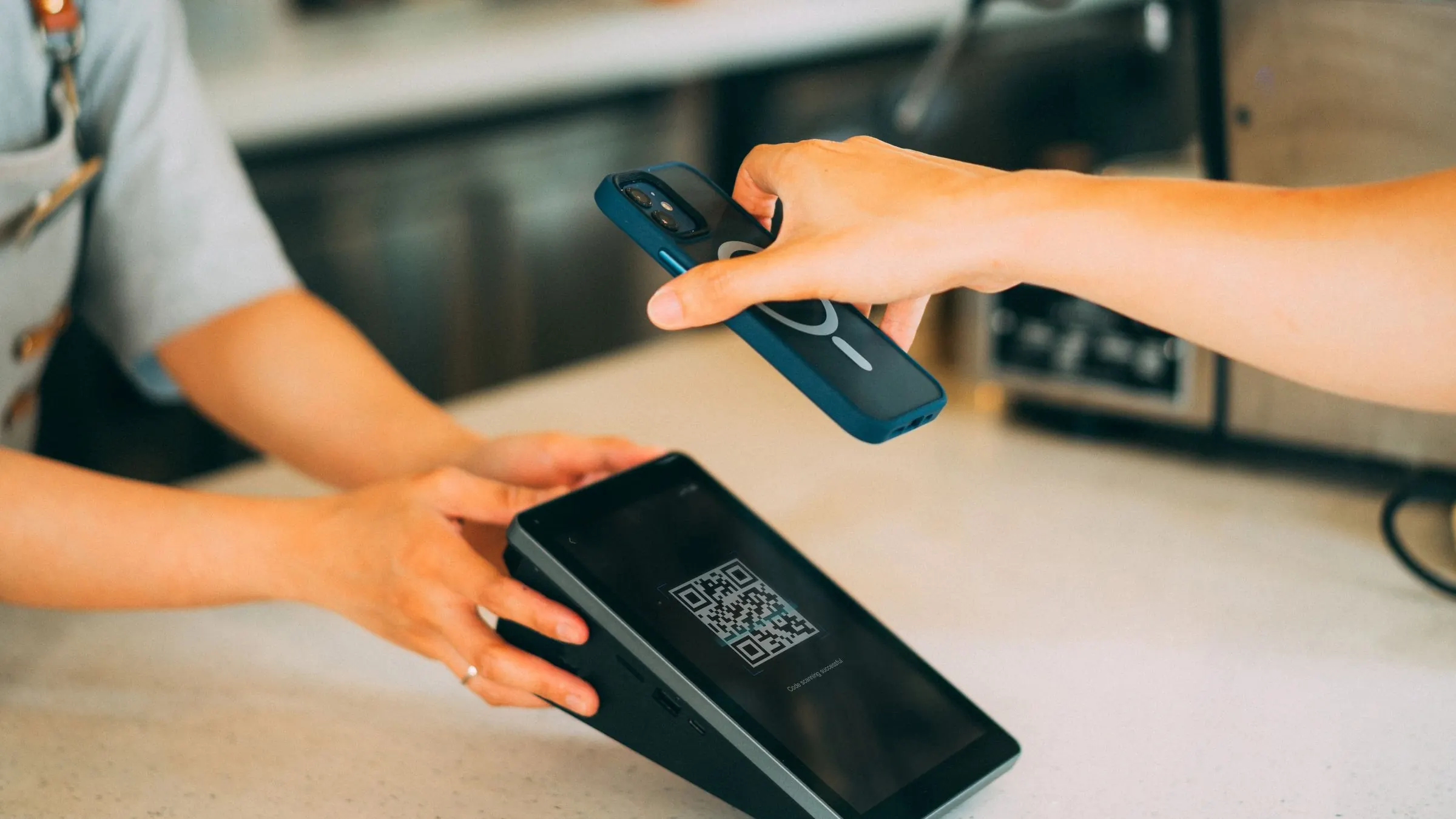
On October 1, 2026, the @whatsappforbusiness Instagram account posted a tutorial with Abdulkadir Kayum of The Bohri Food Co., showing businesses how to share a UPI QR code inside WhatsApp Business: Tools, Payments, UPI QR Code, then send it in the chat. And in its May 2026 Business AI announcement, Meta said payments will soon work directly inside the chat via UPI.
The behavior is already normal on the ground. September 2026 posts from sellers like @mivaan_collection10 show the standard Indian micro-retail flow: no order ships without a UPI payment screenshot. The QR code is just the official version of what everyone already does.
The free setup, step by step
Open WhatsApp Business. Go to Tools, then Payments, and set up your UPI QR code. Once it is saved, you can send it inside any chat in two taps. The customer scans it with any UPI app, pays, and sends you the screenshot.
Make a simple payment rule and stick to it: no screenshot, no dispatch. Say it upfront, in the same message as the total. For example: total Rs 850, pay on the QR below, share the screenshot, and the order gets packed today. Customers respect a clear rule. They test a vague one.
Write the payment message once, reuse it forever
Stop composing the payment request fresh every time. Write one message and save it:
Order 142: 2x block-print kurta, size M. Total Rs 1,700 including delivery.

Please pay on the QR below and share the screenshot here. I will pack your order today and share the tracking by evening.
Fill in the order number, items, and total each time. Same words, same order, same rule. Customers learn the drill in one purchase, and your helper can send it without asking you.
The part everyone skips: verification
Here is the unglamorous truth about the screenshot flow: somebody has to check every screenshot. Open the image, confirm the amount, confirm it is your UPI ID, confirm the date is today. At ten orders a day, that is fine. At fifty, it is a part-time job, and it is the job nobody wants.
Fake screenshots exist. They are rare, but one bad one wipes out the margin on twenty good orders. Check the UTR number on big orders. Match the amount exactly, not approximately. If a customer forgets the screenshot twice, they are telling you something.
Where it gets messy
Three frictions show up as volume grows. First, matching payments to orders: five customers pay Rs 850 on the same day and you have to figure out which payment belongs to which order. Second, the quiet ones: customers who get the QR, say done, and never send the screenshot. Third, the follow-up: chasing unpaid orders without sounding rude.
Most sellers solve this with a notebook or a spreadsheet and sheer memory. That works until it does not, usually on the day two orders get mixed up and the wrong parcel goes out.
The automation upgrade
The fix is boring and effective. A unique payment link per order, so each payment arrives already labeled with the order number. Automatic matching: payment comes in, the order is marked paid, no human reads a screenshot. And a polite nudge for the unpaid: a short message that the order is packed and waiting, with the payment link again.
None of this needs an app or a website. It runs on the WhatsApp flow you already have, and it pairs naturally with a clean WhatsApp order form when you do have a site. The difference is that the money reconciles itself instead of eating your evening. If payment chasing is the worst part of your day, that is the part to automate first.
The notebook dies last. Even after automation, keep a simple daily habit: every evening, glance at the paid and unpaid list. Automation handles the matching, but a human eye catches the odd case: the customer who paid twice, the order that never got packed. Five minutes, not fifty.
Talk to Zeliks
Common questions
- How do I share a UPI QR code in WhatsApp Business?
- Open WhatsApp Business, go to Tools, then Payments, and set up your UPI QR code. Once saved, you can send it inside any chat in two taps.
- Will UPI payments work directly inside WhatsApp chat?
- Meta said in its May 2026 Business AI announcement that payments will soon work directly inside the chat via UPI. Until then, the QR code plus screenshot flow is the standard.
- How do I verify UPI payment screenshots?
- Check the amount, your UPI ID, and the date on every screenshot. Check the UTR number on large orders, and keep a strict no-screenshot, no-dispatch rule.
Written by Ammar Mahmood, Founder of Zeliks. We build websites, apps, AI assistants and automation. About Zeliks