How to get paid on WhatsApp without chasing screenshots
Most WhatsApp sellers get paid by QR code or bank transfer, then check a screenshot. That works at ten orders a day. Here is the setup that still works at a hundred.
Zeliks team · Updated · 3 min read
On this page
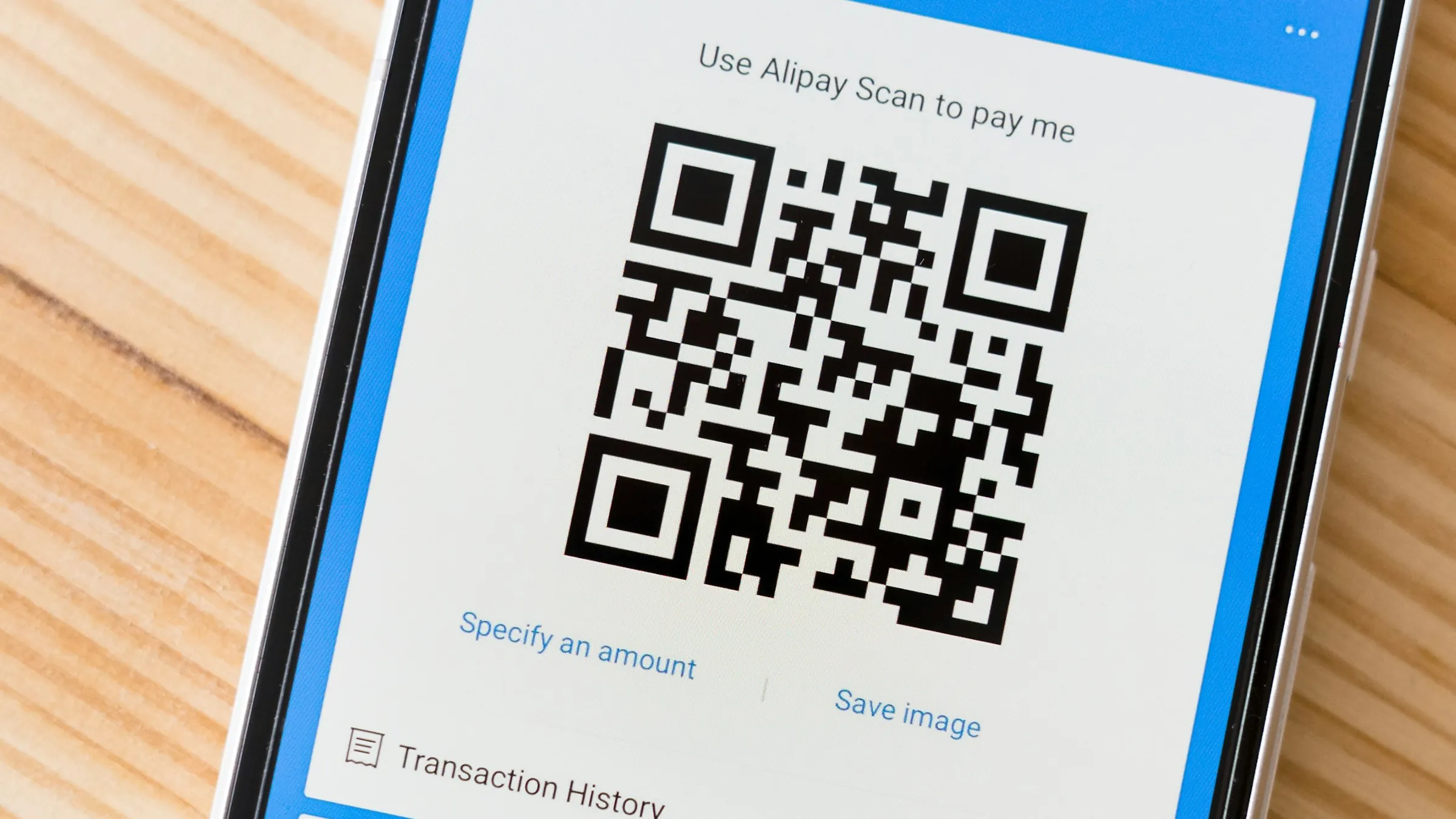
In a few countries, such as India and Brazil, WhatsApp has payments built in. Everywhere else, businesses send a payment link or a QR code from their bank or payment provider, and the customer sends back a screenshot.
That works when you take ten orders a day. At fifty, someone spends hours opening screenshots and matching them to orders. Here is how to set it up so it keeps working as you grow.
Write the payment message once
Every order should end with the same message, so customers learn it after one purchase and anyone on your team can send it:
Order 142: 2 cotton shirts, size M
Total: $48 including delivery
Pay here: [payment link]
We pack paid orders the same day and send tracking by evening.
Save it as a quick reply in the WhatsApp Business app and fill in the order number, items and total each time.
Use a payment link per order
A shared QR code tells you that someone paid $48. It does not tell you which order. If three customers order the same item on the same day, you are left guessing.
Most payment providers can create a link per order, with the order number and amount built in. When the customer pays, the payment arrives already labelled. Ask your provider whether it offers payment links. Most do, often at no extra cost per link.
Check every manual payment
If you still accept screenshots, check each one against your bank or provider app before you pack:
- The amount matches the order exactly.
- The money went to your account, not a similar name.
- The date and time are today's.
- On large orders, the reference number shows up in your own statement.
Fake screenshots are rare, but one can wipe out the profit on many good orders. The rule is simple: no payment in your account, no dispatch.
Where it starts to hurt
Three jobs grow with every order. Someone has to match each payment to its order. Someone has to notice the customers who said "paid" and never sent anything. And someone has to remind unpaid customers without sounding rude.
Most sellers do this with a notebook or a spreadsheet. It works until two orders get mixed up and the wrong parcel leaves the shop.
Let the system do the matching
Payment providers can notify your system the moment a payment succeeds. With that in place:
- Each order gets its own payment link, sent in the chat.
- When the customer pays, the order marks itself paid and moves to packing.
- If an order stays unpaid for a few hours, the customer gets one polite reminder with the same link.
- Every evening, you see one short list: paid, unpaid and anything odd, such as a double payment.
This runs on the WhatsApp flow you already have. If you also sell from a website, pair it with a WhatsApp order form so the order arrives complete before the payment link goes out.
Common questions
Can customers pay inside WhatsApp?
In a few countries, such as India and Brazil, yes. Elsewhere, send a payment link or QR code from your payment provider in the chat.
Is a QR code or a payment link better?
A payment link per order. It carries the order number and amount, so you never have to work out which payment belongs to which order.
How do I check a payment screenshot?
Confirm the amount, the receiving account and the date against your own bank or provider app. Do not pack until the money shows in your account.