Building an English and Arabic website your team can update
An Arabic version needs more than translated words. It needs the right reading direction, page structure, search signals and an editing process your team can use.
Ammar Mahmood, Founder, Zeliks
6 min read
A bilingual English Arabic website has to help two readers find the same information in the way that feels natural to them. That means reliable translations, right to left layout for Arabic, clear page addresses and an editing process that does not leave one language behind.
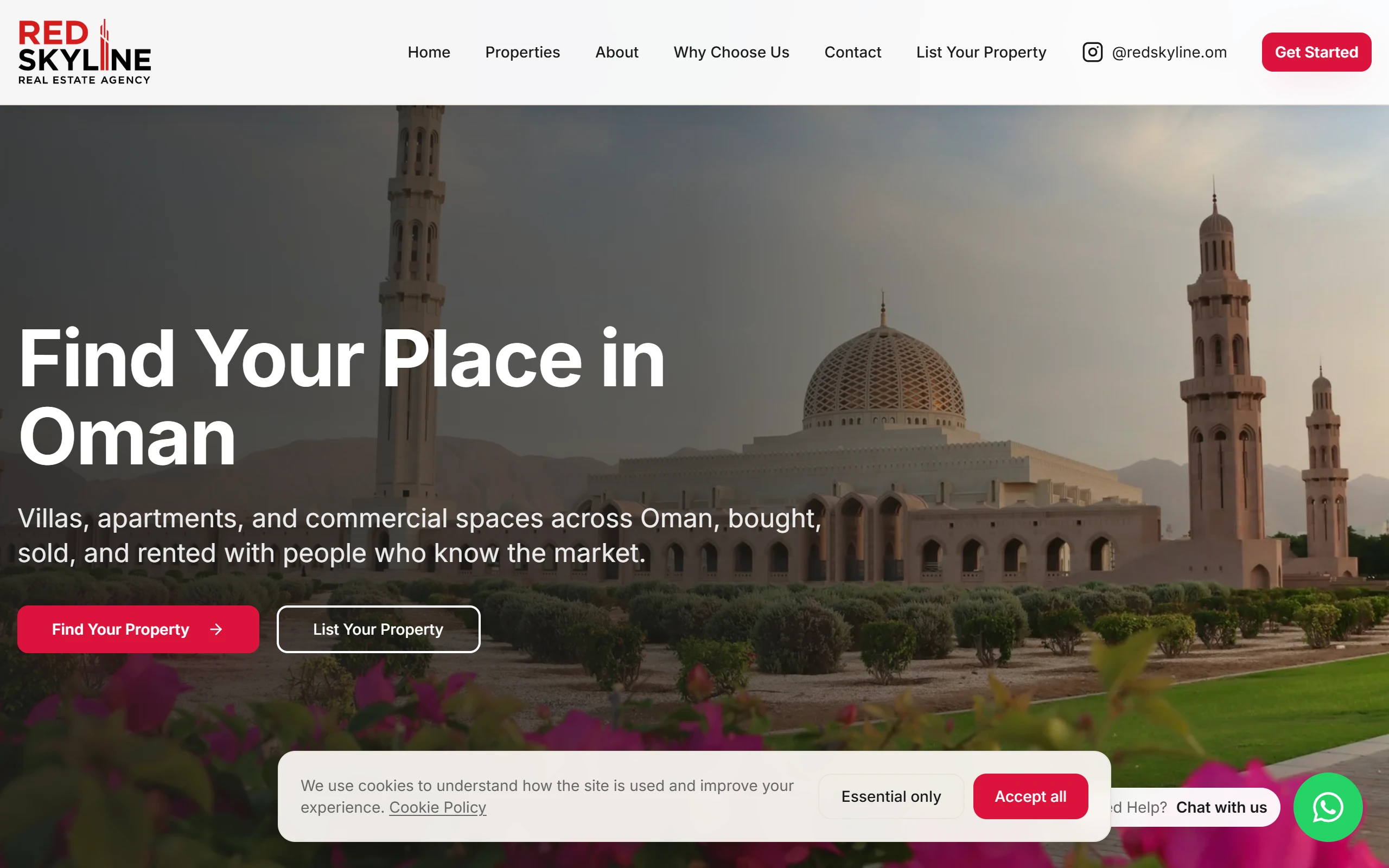
This guide explains the decisions that make a bilingual site easier to manage. It also shows what we used on the RedSkyline project, where the public site and its property listings have English and Arabic routes.
Give each language a clear place on the site
A visitor should be able to switch language without guessing whether they have reached a new page, a half translated page or a browser translation. Separate addresses give each version a stable link that can be shared, bookmarked and found in search. A common pattern is the main address for English and an /ar route for Arabic.
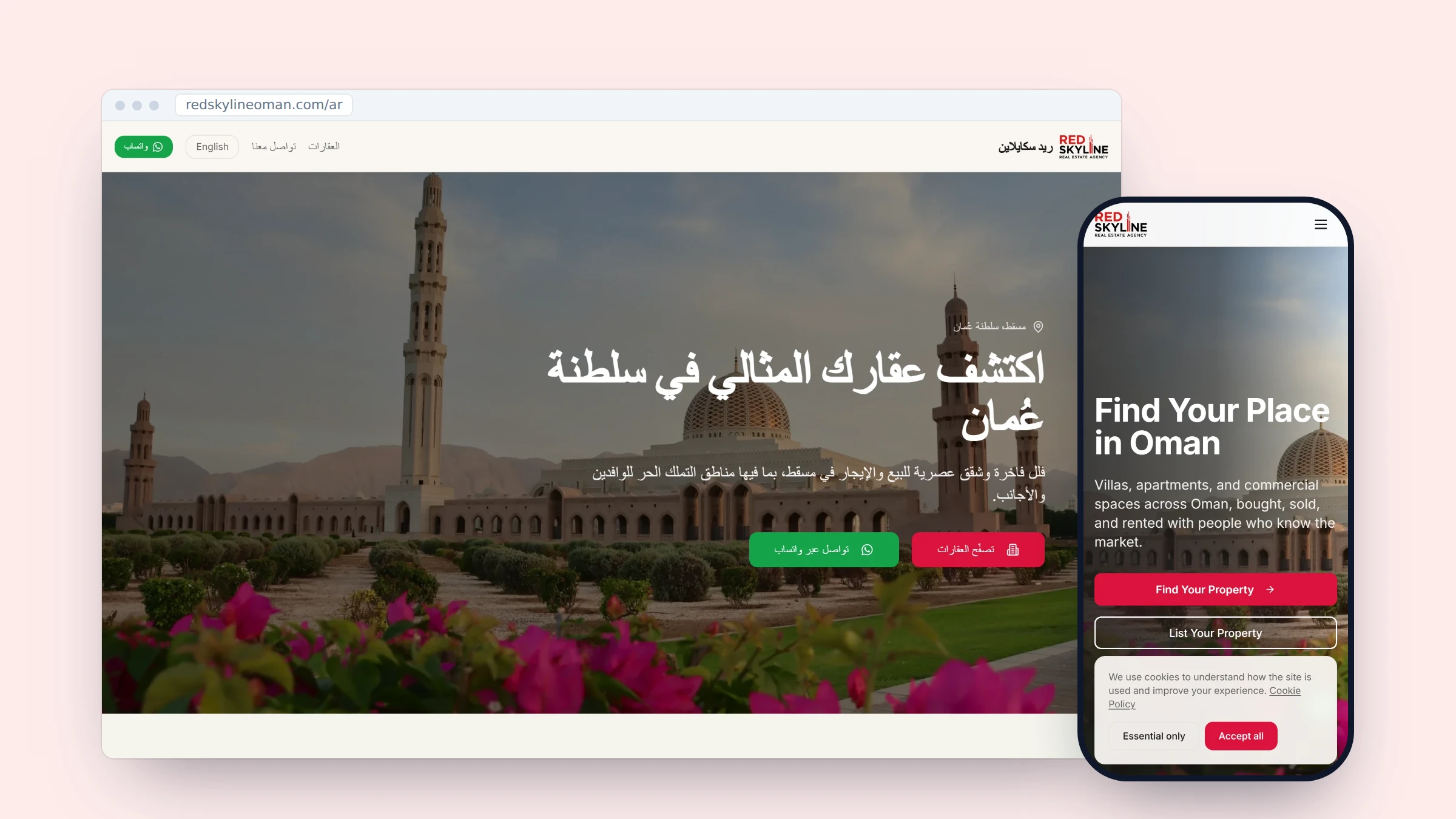
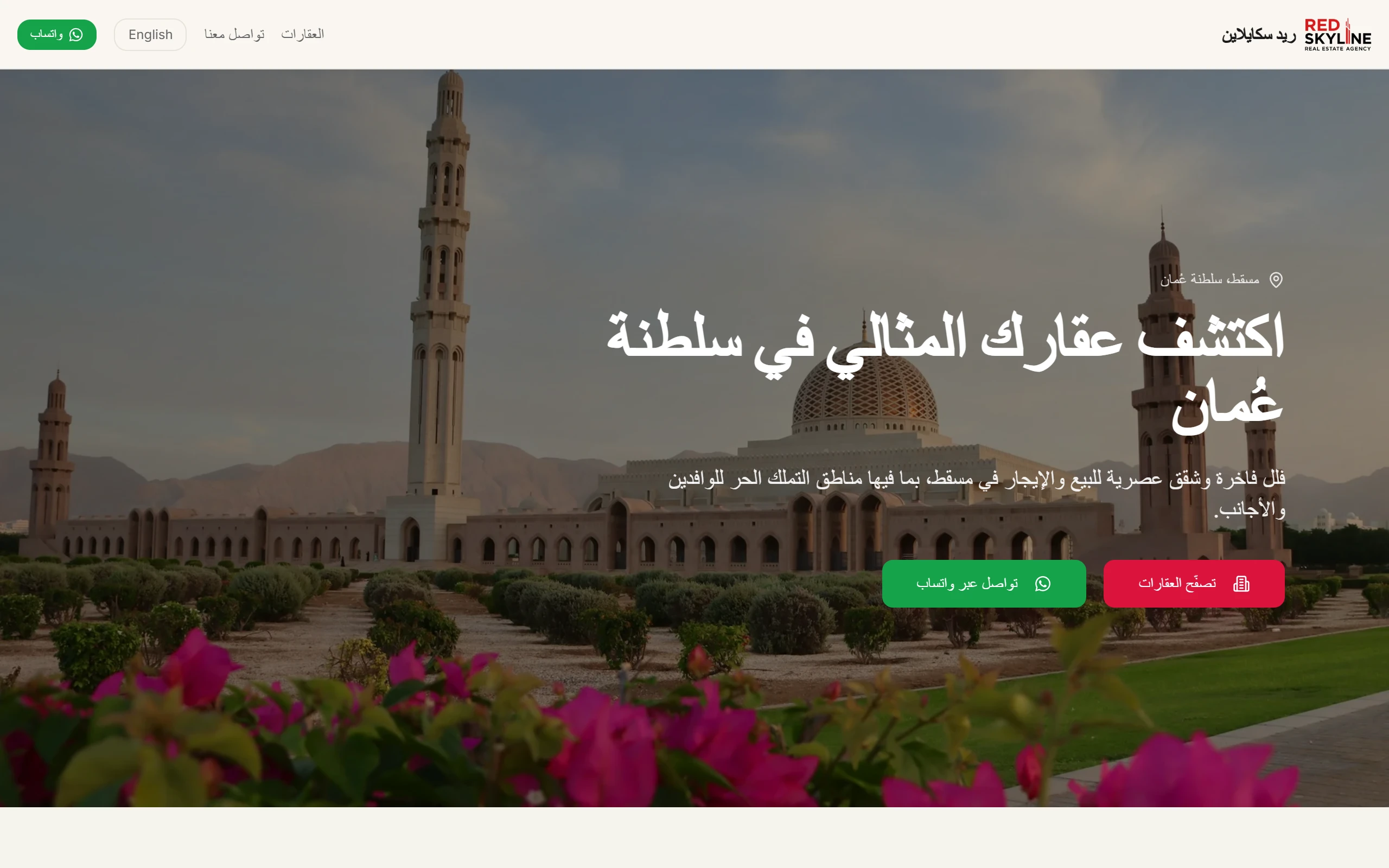
RedSkyline uses that pattern. Its English home page lists English and Arabic alternatives in its page metadata. The Arabic home page has its own /ar address, with matching language links. Its property pages follow the same structure with /properties and /ar/properties routes. A visitor can change language and stay within the same part of the site.
This is useful for search as well as readers. A search engine can see which page is English and which is Arabic when the pages point to each other. Do not send every Arabic visitor back to the English home page. Keep the page topic, its path and the language switch connected.
Right to left changes the layout, not only the words
Arabic reads from right to left. A page that only swaps English text for Arabic text can leave the navigation, buttons, form labels and spacing pulling in the wrong direction. Readers notice this straight away because the page asks their eye to move against the language.
The W3C guidance on right to left HTML explains that the dir attribute sets the base direction. It also recommends using direction-aware CSS values such as start and end for spacing and alignment. That allows the layout to move with the language instead of relying on a second set of left and right fixes.
In RedSkyline, the Arabic pages are wrapped with lang="ar" and dir="rtl", so the header is mirrored, the menu is in Arabic and the page content lines up on the right. The English pages keep the usual left to right flow.
| Part of the page | In Arabic |
|---|---|
| Page layout and menu order | Mirrored, starts on the right |
| Text alignment | Right aligned |
| Arrows that point forward | Flipped |
| Phone numbers and prices | Stay left to right |
| Logos and product codes | Unchanged |
Decide which details are shared and which are translated
A bilingual site needs a clear rule for every field. Product dimensions, stock codes, prices, phone numbers and image files can often be shared. A heading, description, call to action and image alt text usually need their own Arabic wording. Names can need special care because a direct letter by letter conversion may not be the name people use.
RedSkyline’s Arabic property-card code reads shared property data, then builds an Arabic title from the property type, bedroom count and location. It uses Arabic property-type labels and formats prices for the Arabic locale. This works for predictable listing details. It does not remove the need for a content rule for longer sales copy, where a human Arabic translation may be the better choice.
Write the rule down before the first listing is added. For example: shared facts are entered once, Arabic sales copy is checked by an Arabic speaker, and a listing cannot be published until both language fields are ready. A small rule like this is easier to follow than repairing mixed language cards after several months.
Make the editing screen work for the people who use it
The public site can be well translated and still fail if staff must ask a developer to change every listing. Give the team one clear editing area with the fields they use, previews that make the current language obvious and checks that stop incomplete records from going live.
RedSkyline has an admin property screen that loads the current property list and lets staff search it, review its status and change availability. The wider project also provides staff controls for listings, Arabic pages and blog content. The public property pages then show approved listings from the same site rather than asking the team to keep a second website in step.
For a small team, a simple process helps more than a large content system. Add the English facts, add the Arabic content, check the switch on a phone, then publish. Before launch, ask a staff member to update one normal listing in both languages. They should be able to save it, find it on the public site and correct a mistake without needing technical help. The steps should be clear enough that a new member of staff can follow them without reading code.
Keep numbers, links and logos easy to read
Some details should not be blindly mirrored. A phone number, an email address, a web address, a product code and a brand logo need to stay recognisable even inside Arabic text. Direction markers can help a browser keep those strings in the correct order. RedSkyline uses left to right isolation around its displayed phone number in the Arabic pages.
The MDN guide to CSS logical properties explains why properties such as margin-inline-start and padding-inline-end are safer than fixed left and right values. They follow the writing direction. Use a fixed position only when the visual item genuinely must stay fixed, such as a logo treatment that has been designed that way.
Test each language as a complete route
Test English and Arabic as two real journeys. Open the home page, navigation, a listing, a form, a confirmation screen and any email link in both languages. Check desktop and phone. Read the Arabic page on a device with Arabic text support, rather than deciding from a screenshot alone.
Look especially at long headings, buttons, number fields, maps, filters and messages that mix Arabic with an English code or URL. These are the places where direction mistakes tend to appear. Fix the shared component once, then check every page that uses it.
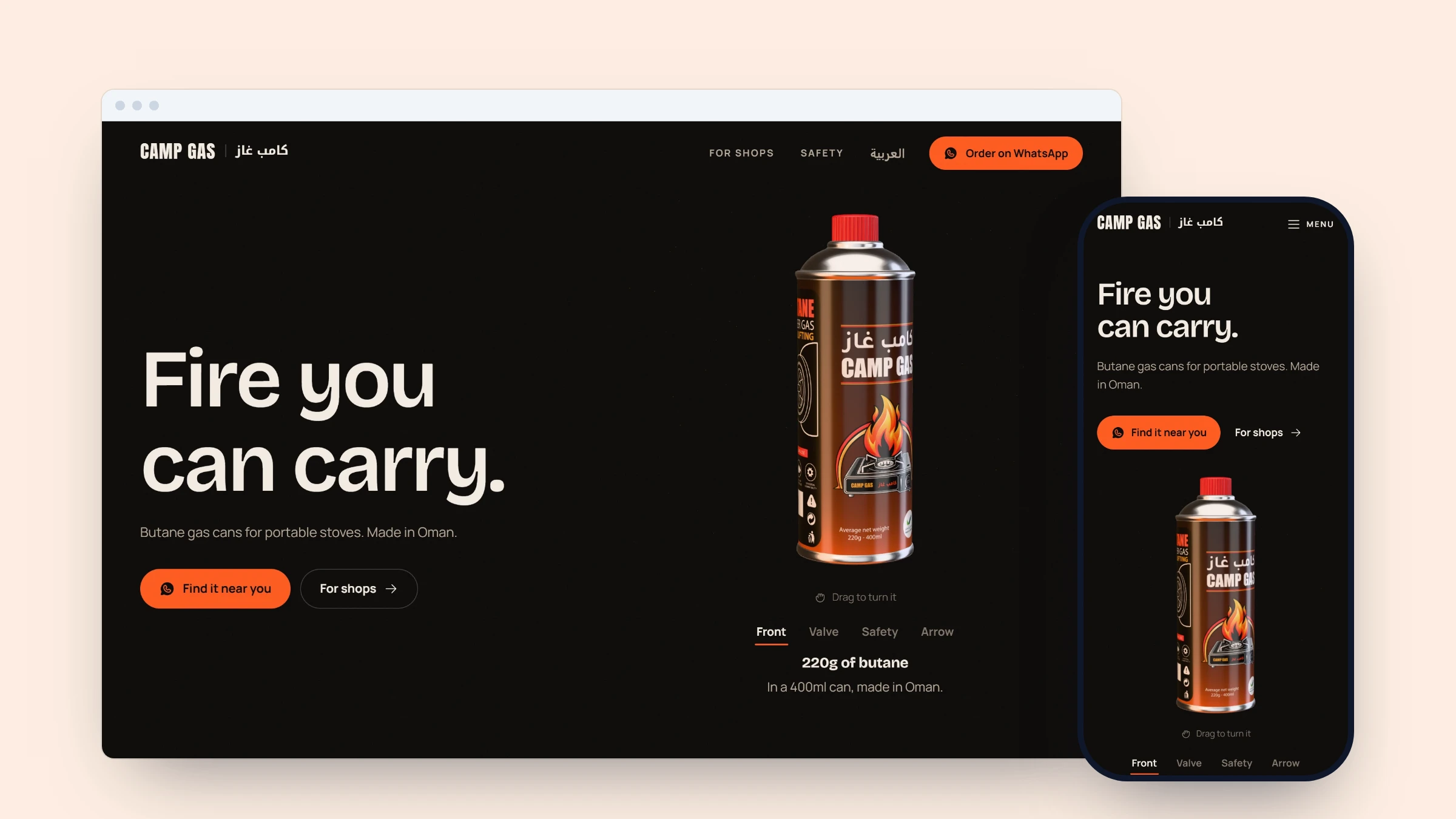
We use the same approach for Camp Gas, a site built in English and Arabic before it is made public. If you need a bilingual website your staff can keep current, see what we build or get in touch.
Common questions
- What is an Arabic RTL website?
- It is a website that sets Arabic as right to left, so text, navigation, spacing and forms follow the language's reading direction.
- Do English and Arabic pages need separate URLs?
- Separate, linked pages give readers a reliable language switch and help search engines understand which version is meant for each language.
- Which parts of a bilingual website should be translated?
- Translate reader-facing wording such as headings, descriptions, calls to action and image alt text. Shared facts such as a price or product code can often stay in one record.
- Can staff update an English and Arabic website themselves?
- Yes, if the editing screen makes both languages clear, gives staff the fields they need and prevents incomplete content from being published.
The work behind this post
Written by Ammar Mahmood, Founder of Zeliks. We build websites, apps, AI assistants and automation, and the client owns the code. About Zeliks